
The user interface, or UI for short, refers to the various on-screen elements and menus through which a player interacts with the game. The UI in FFXIV can be adjusted in myriad ways to ensure an enjoyable gaming experience.
This guide will explain how to adjust the UI, and offer tips to help you navigate the game.
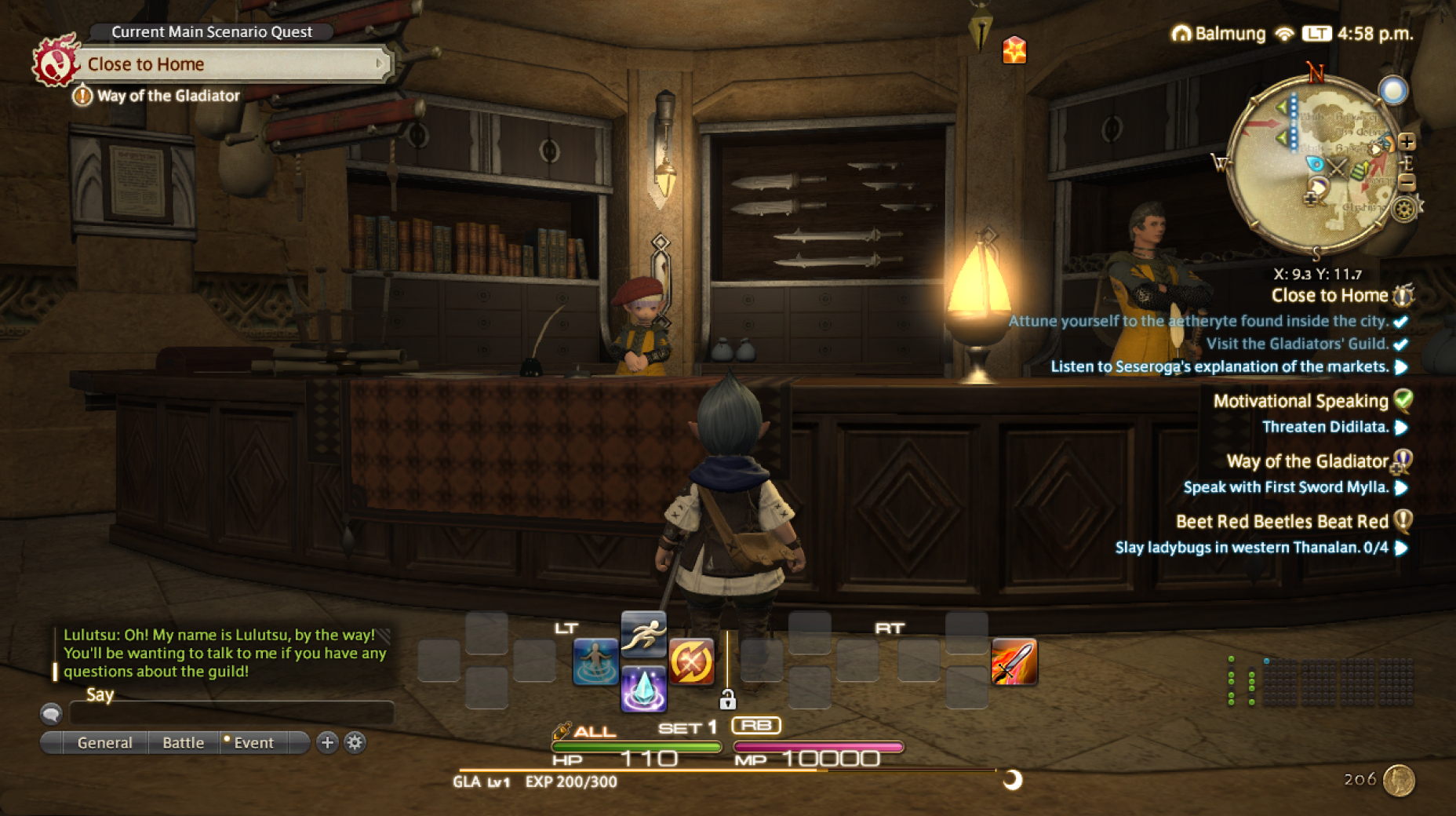
Use the default settings…
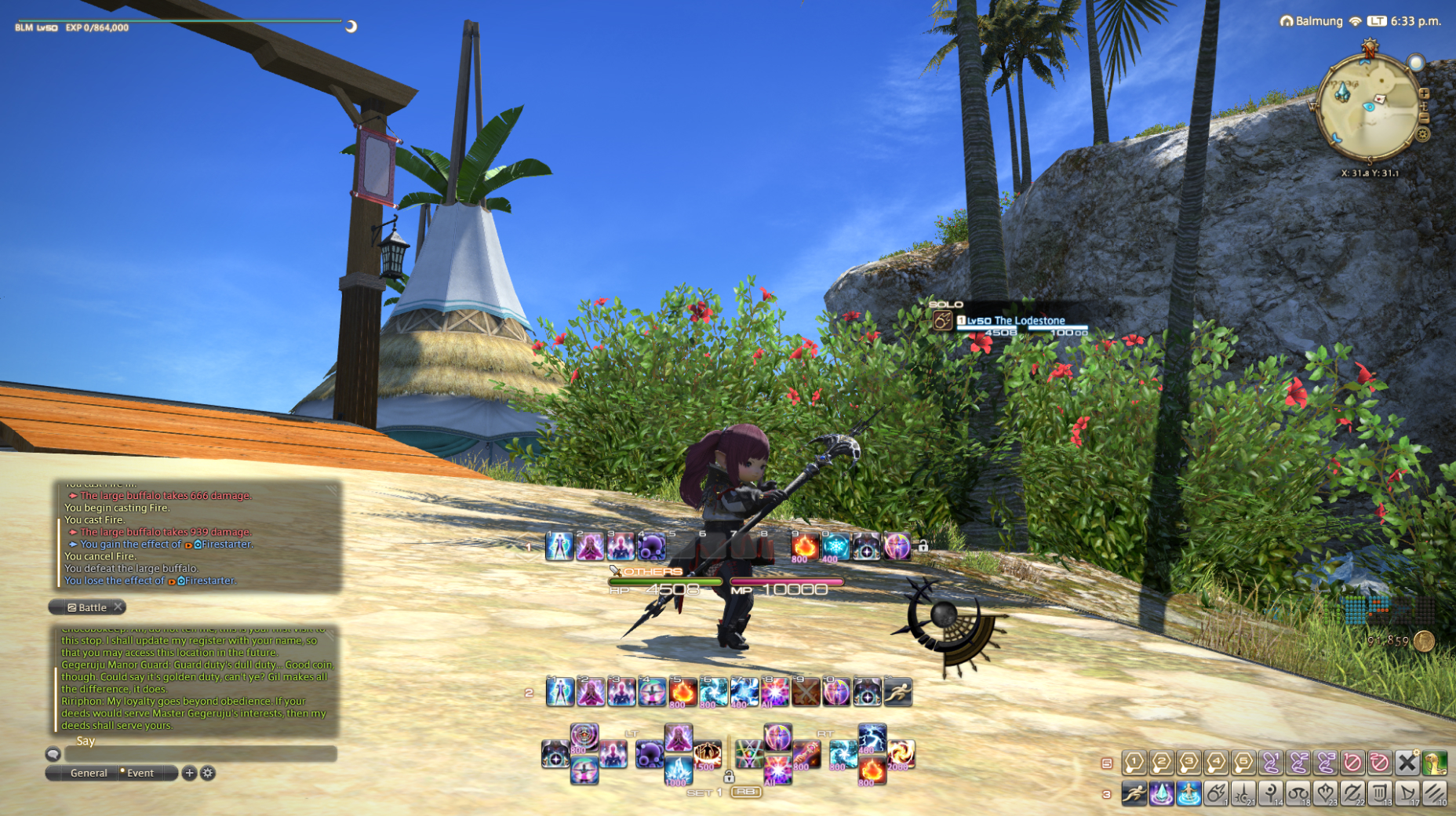
Or try something creative!
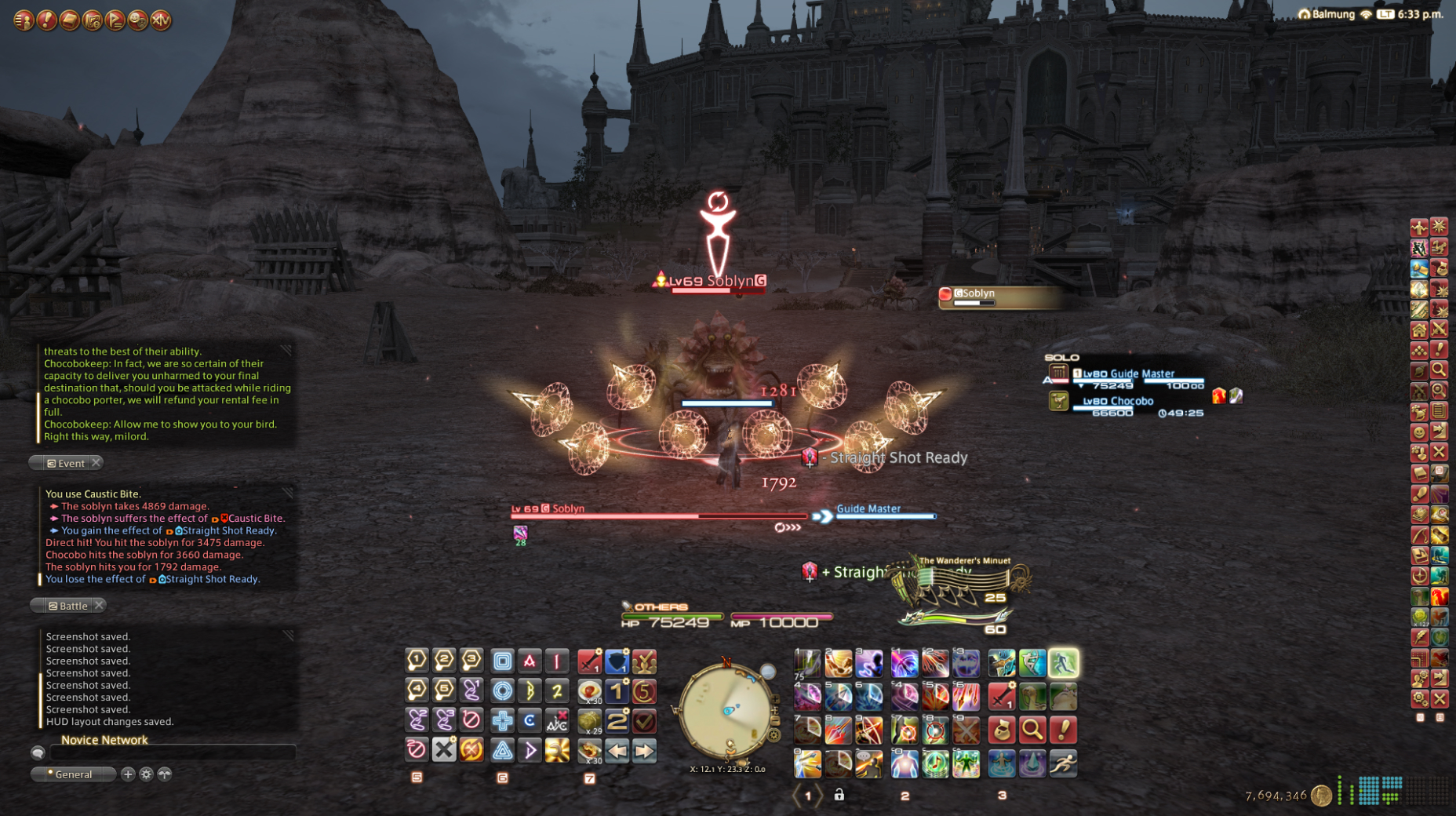
The possibilities are endless!
Use the default settings…
Or try something creative!
The possibilities are endless!
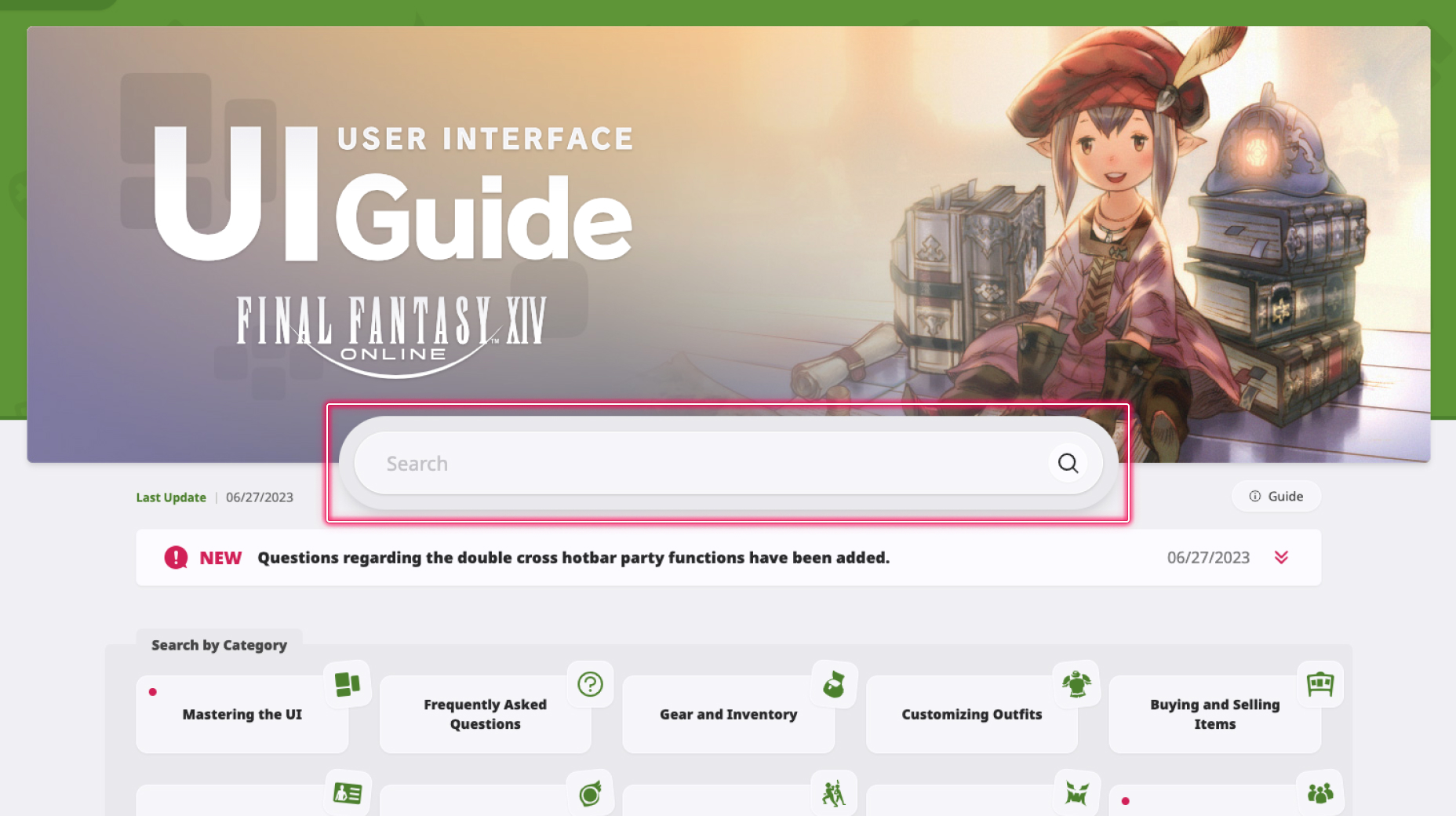
1. Enter a term to search.
2. Find a topic and review its contents.
3. Try out what you've learned!
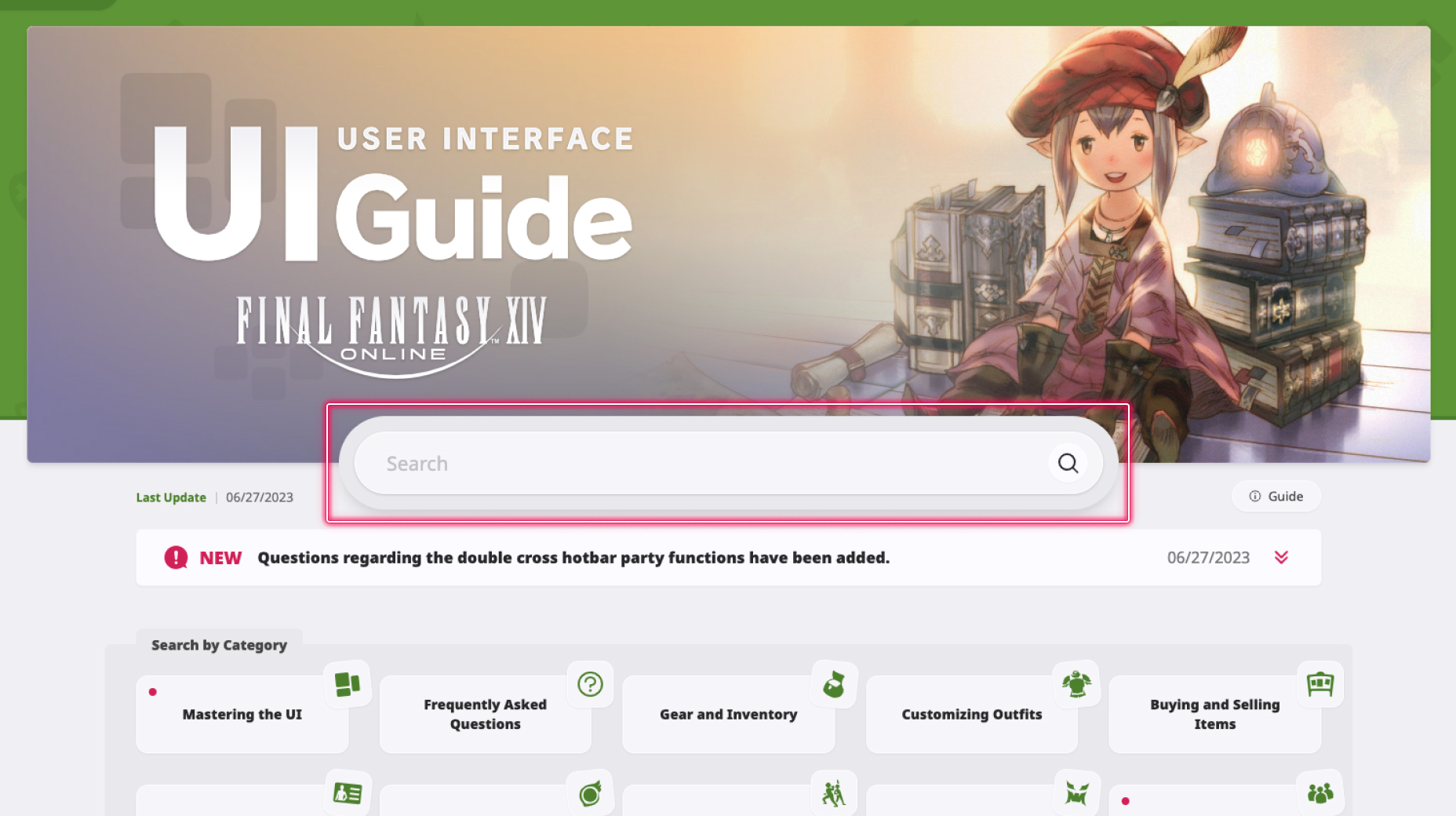
1. Enter a term to search.
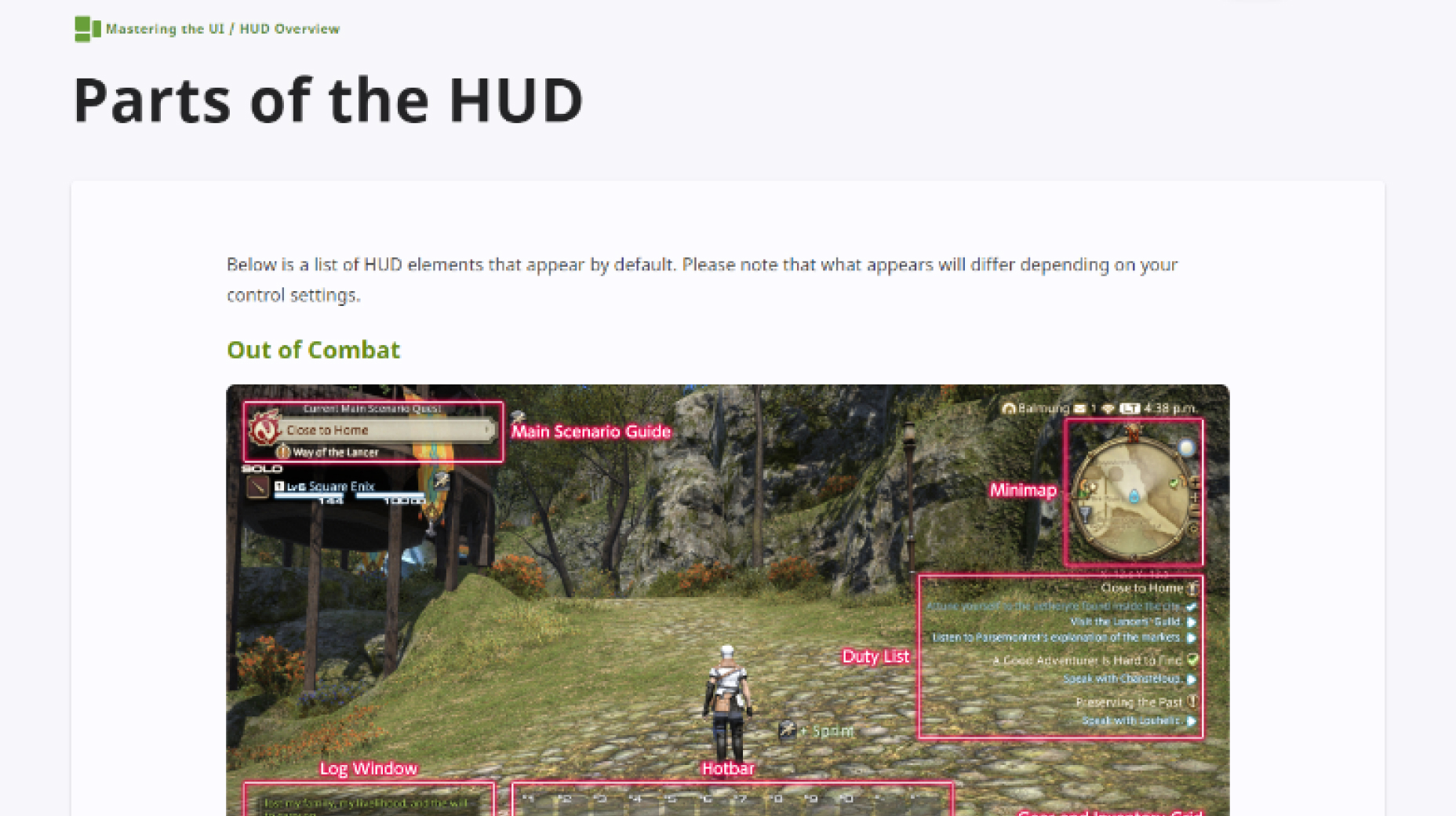
2. Find a topic and review its contents.
3. Try out what you've learned!
(You can view this screen at any time from the guide icon.)
Customizing Outfits / Dyeing Gear
The Dye action is accessed from the Actions & Traits menu or by selecting Dye from an item's subcommands.
The Dye action is accessed from the Actions & Traits menu or by selecting Dye from an item's subcommands.
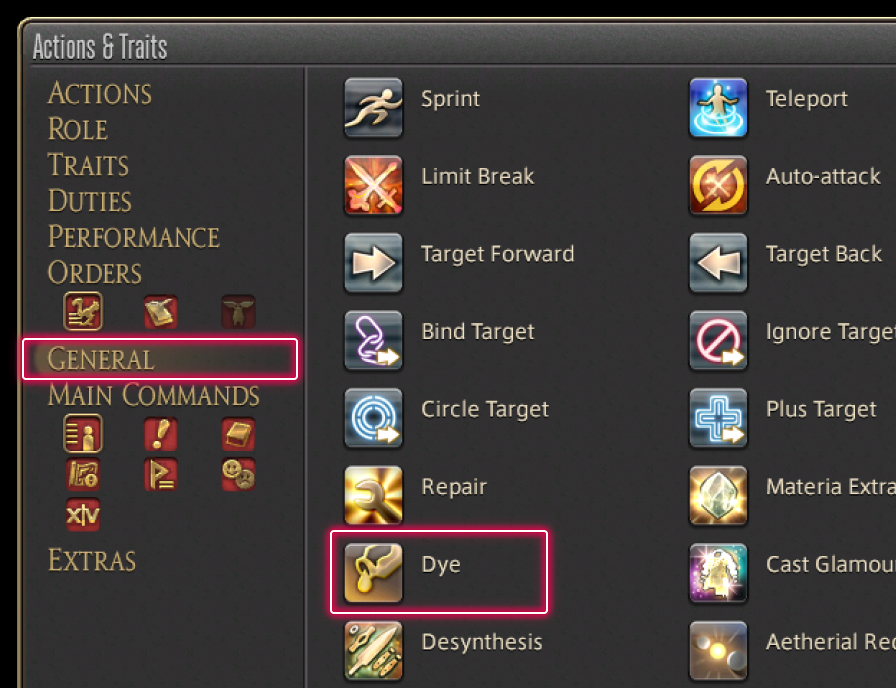
This action is under the General tab.
If you want easier access to this action, it can also be set to a hotbar.
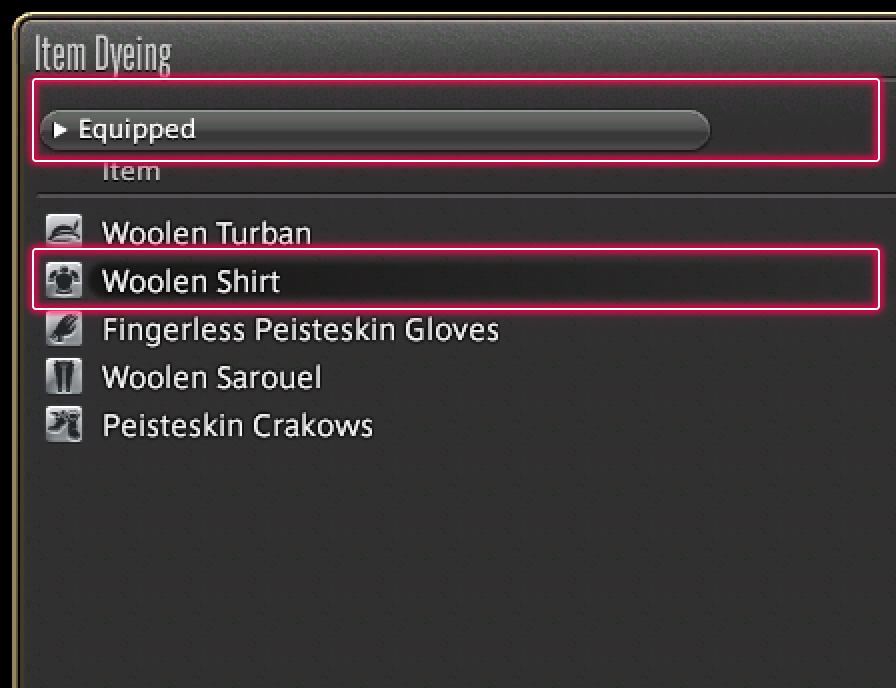
Choose the item you wish to dye.
Use the pulldown menu to access the desired item type.
You may also select gear or housing items that are in your inventory.


Dye colors are divided into categories. Once you have chosen your desired hue from within a category, select Dye.
* Change category with the round buttons and select a color with the square buttons.
* A [x] icon will be displayed above any colors for which you do not possess the required dye.
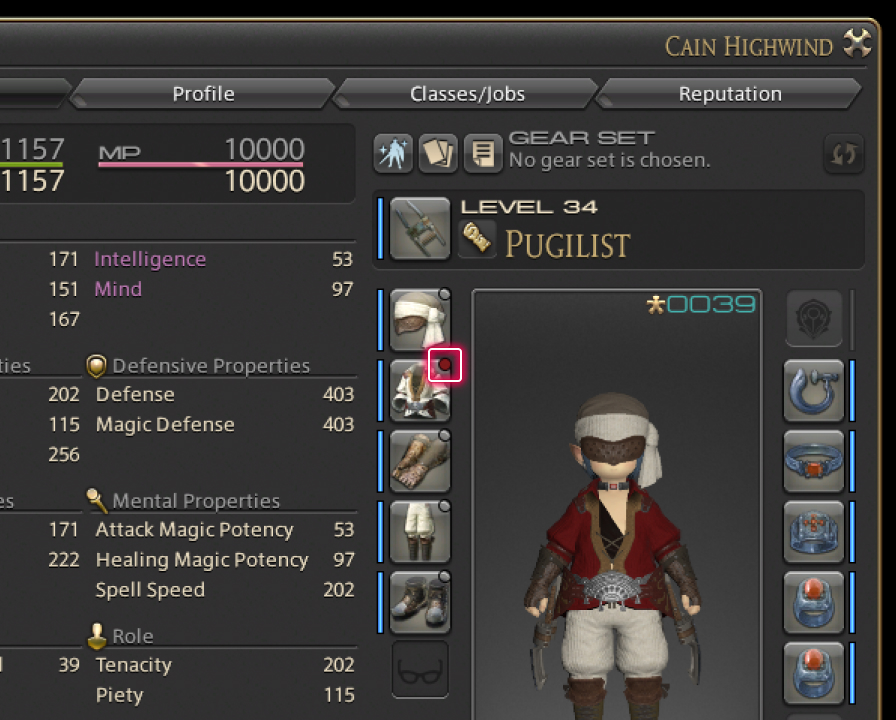
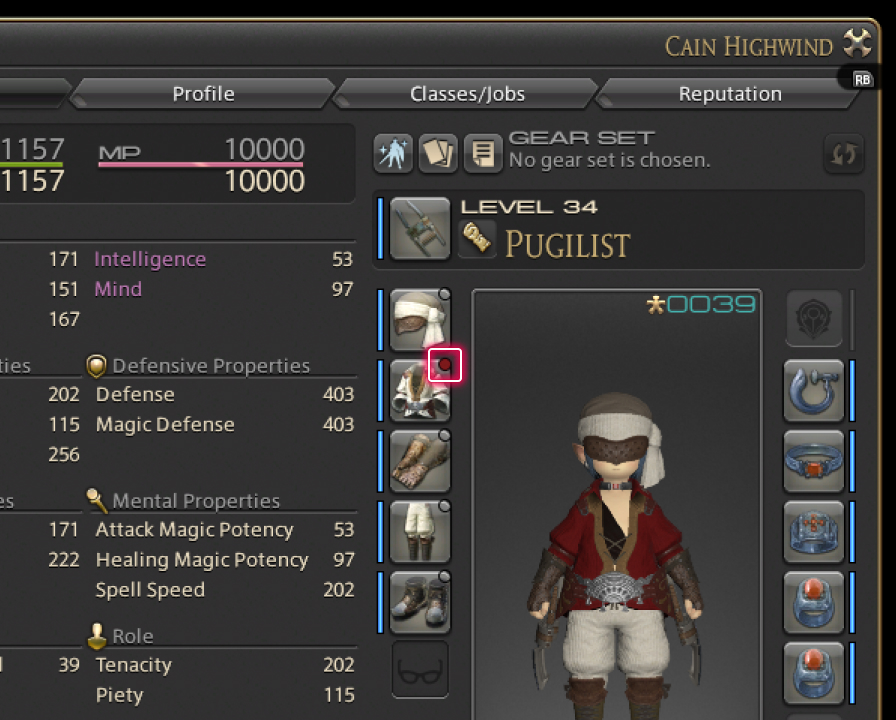
This completes the dyeing process.
* The color used to dye an item is indicated with an icon.
* The specific color used will be displayed in the dyed item's details.
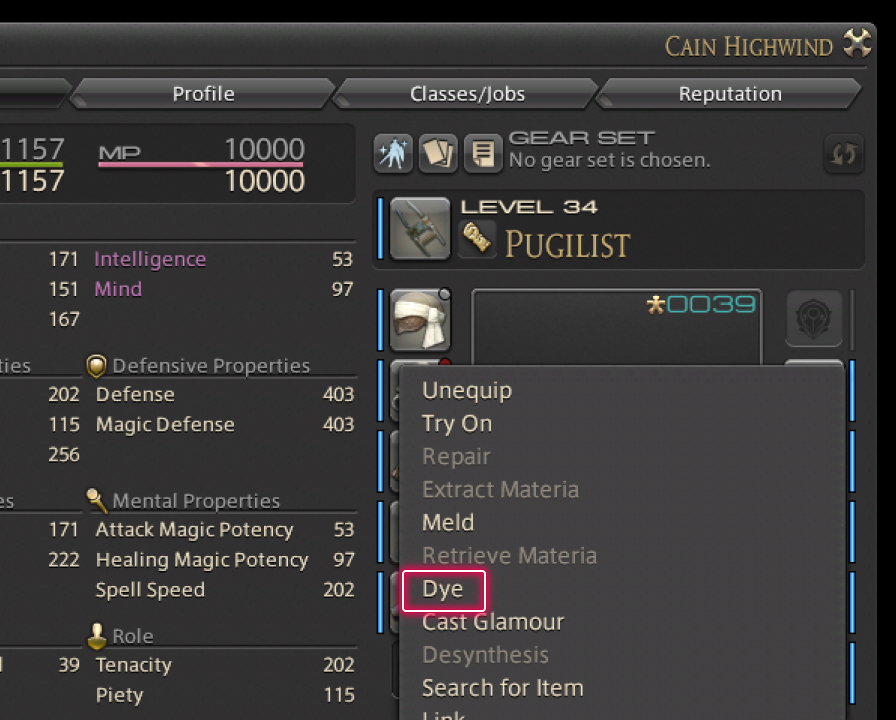
Open your inventory or armoury chest, right-click an item to open its subcommands, and select Dye.
Open your inventory or armoury chest, highlight an item, press X (□ on PS5®/PS4®, X on XBOX Series X|S, Y on Nintendo Switch 2) to open its subcommands, and select Dye.
