The user interface, or UI for short, refers to the various on-screen elements and menus through which a player interacts with the game. The UI in FFXIV can be adjusted in myriad ways to ensure an enjoyable gaming experience.
This guide will explain how to adjust the UI, and offer tips to help you navigate the game.
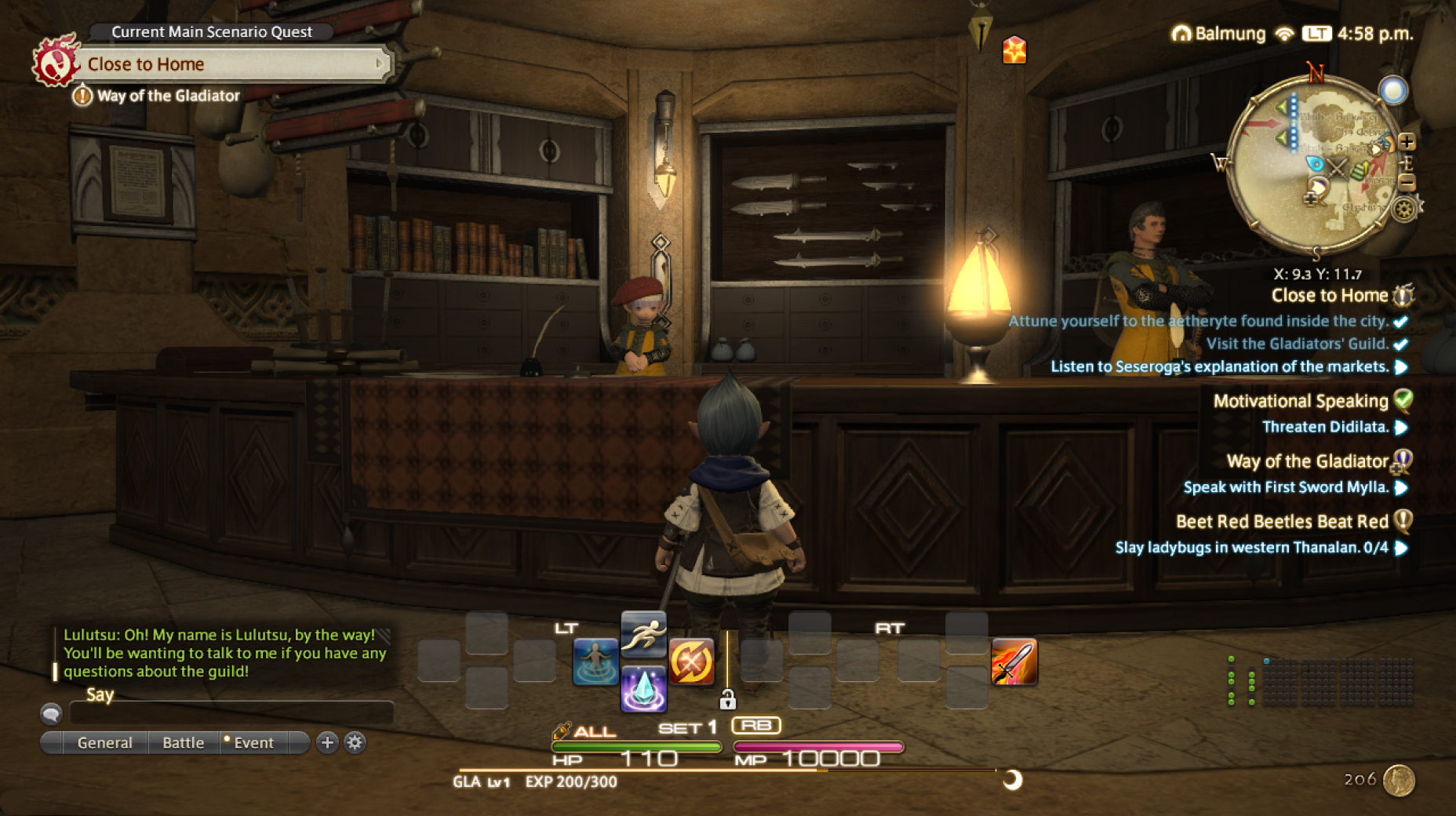
Use the default settings…
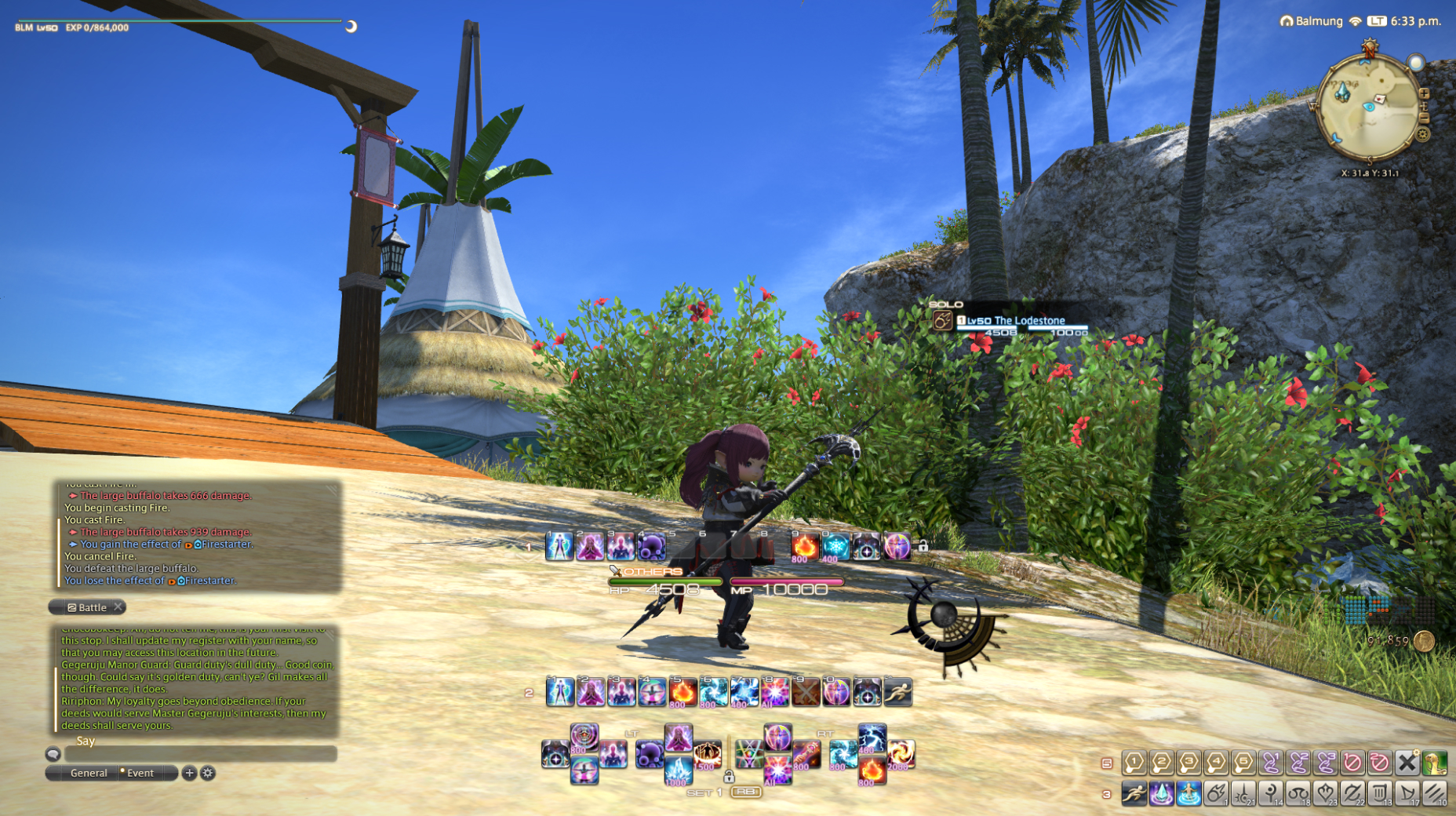
Or try something creative!
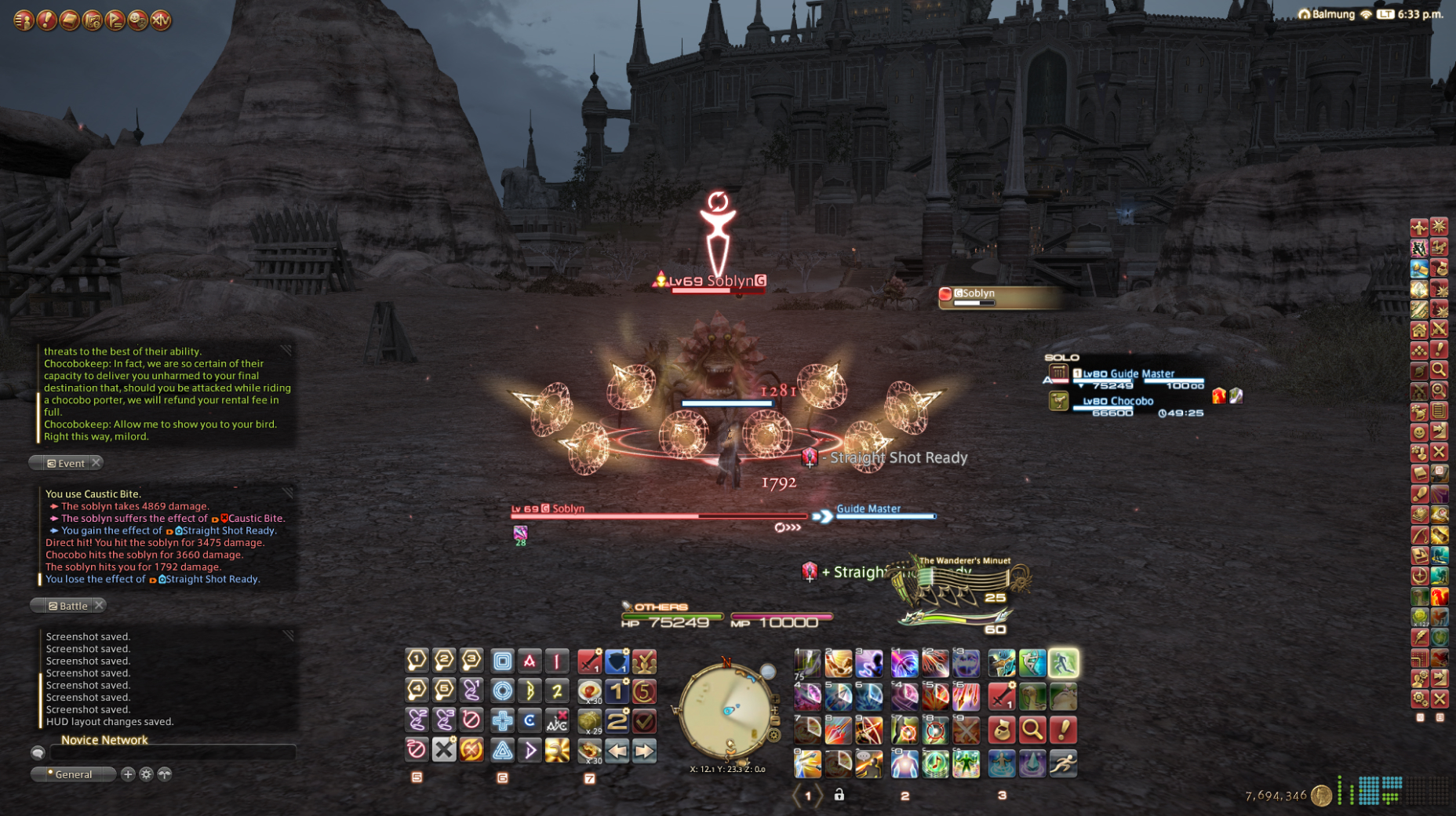
The possibilities are endless!
Use the default settings…
Or try something creative!
The possibilities are endless!
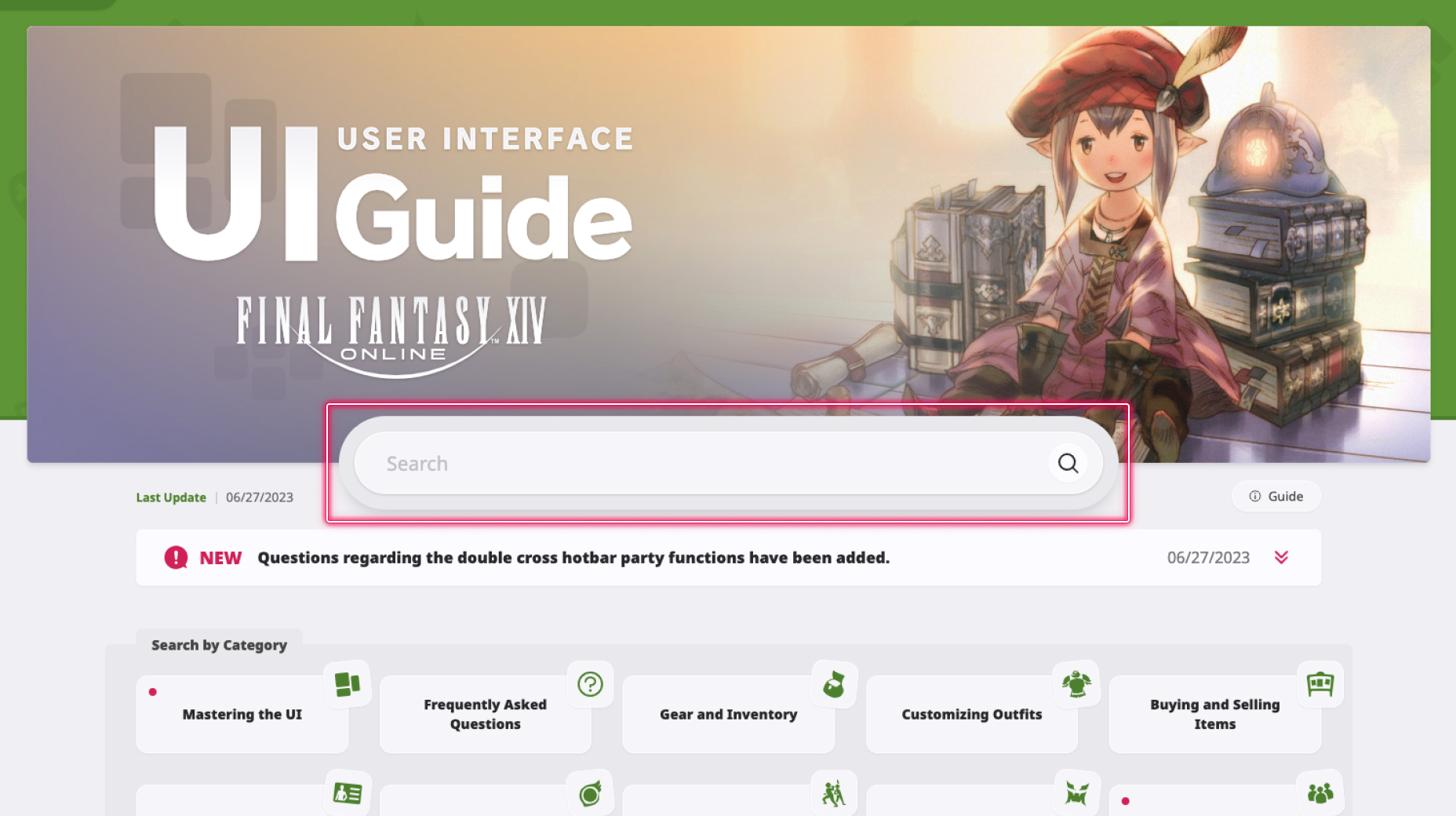
1. Enter a term to search.
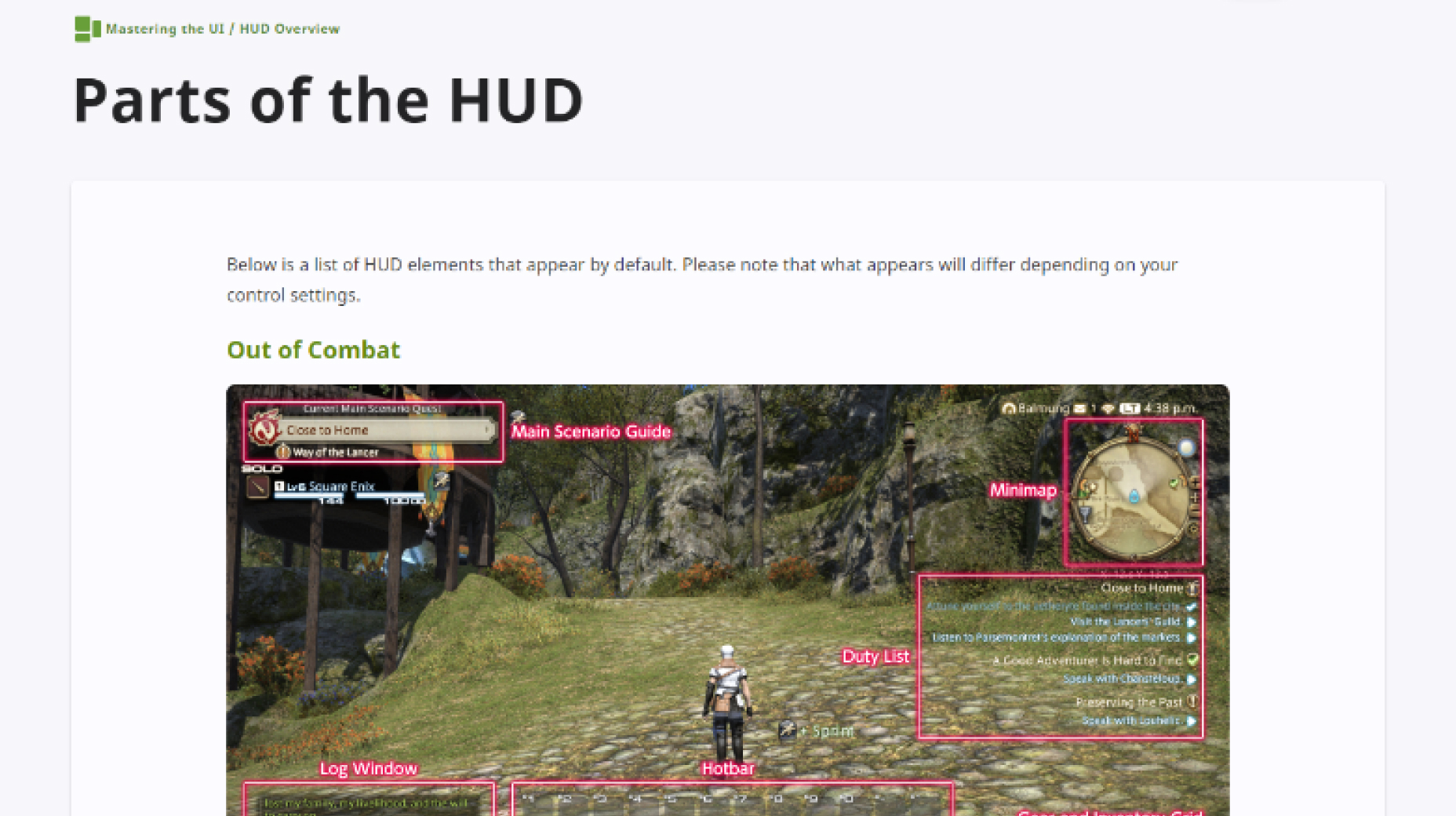
2. Find a topic and review its contents.
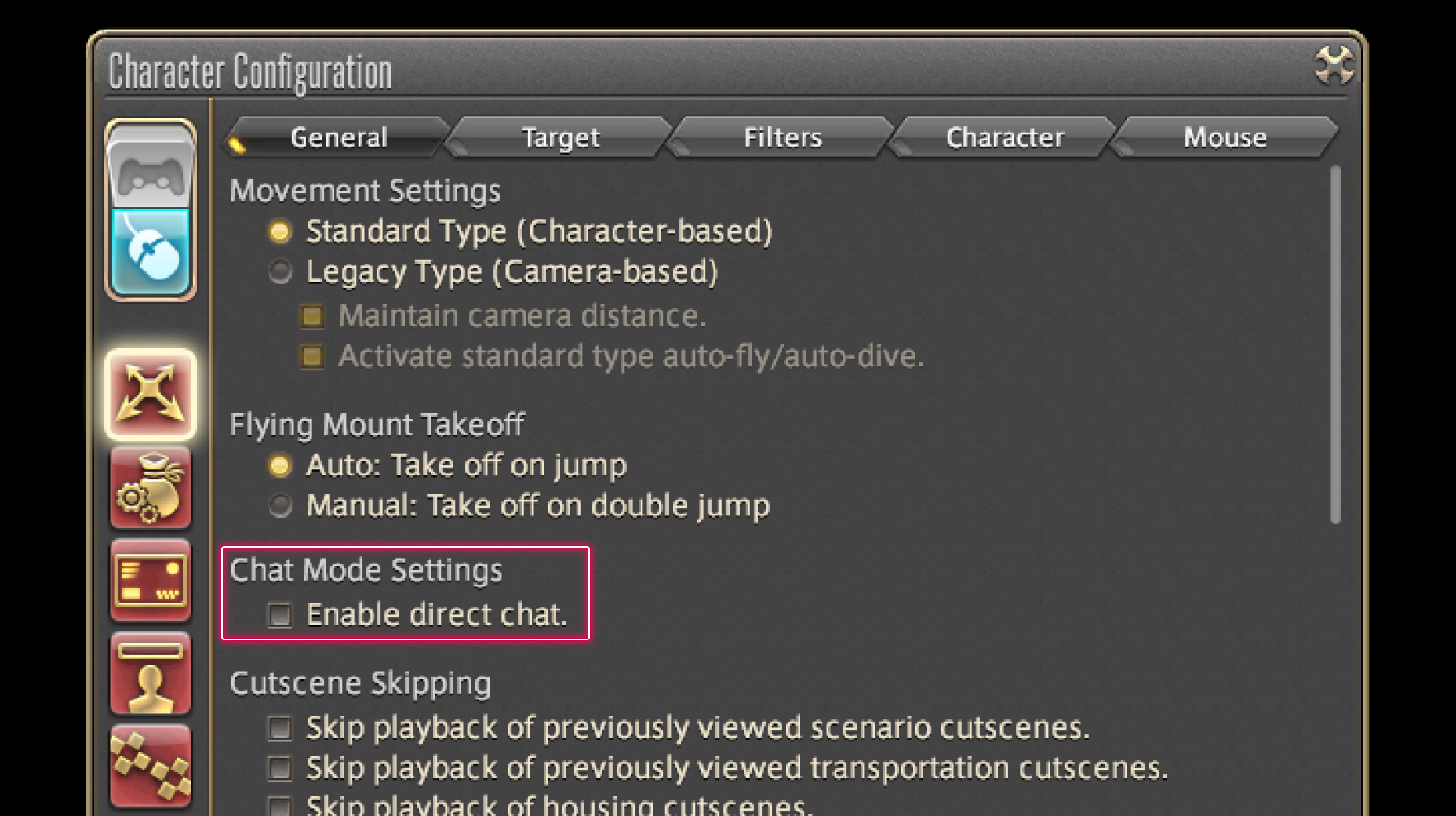
3. Try out what you've learned!
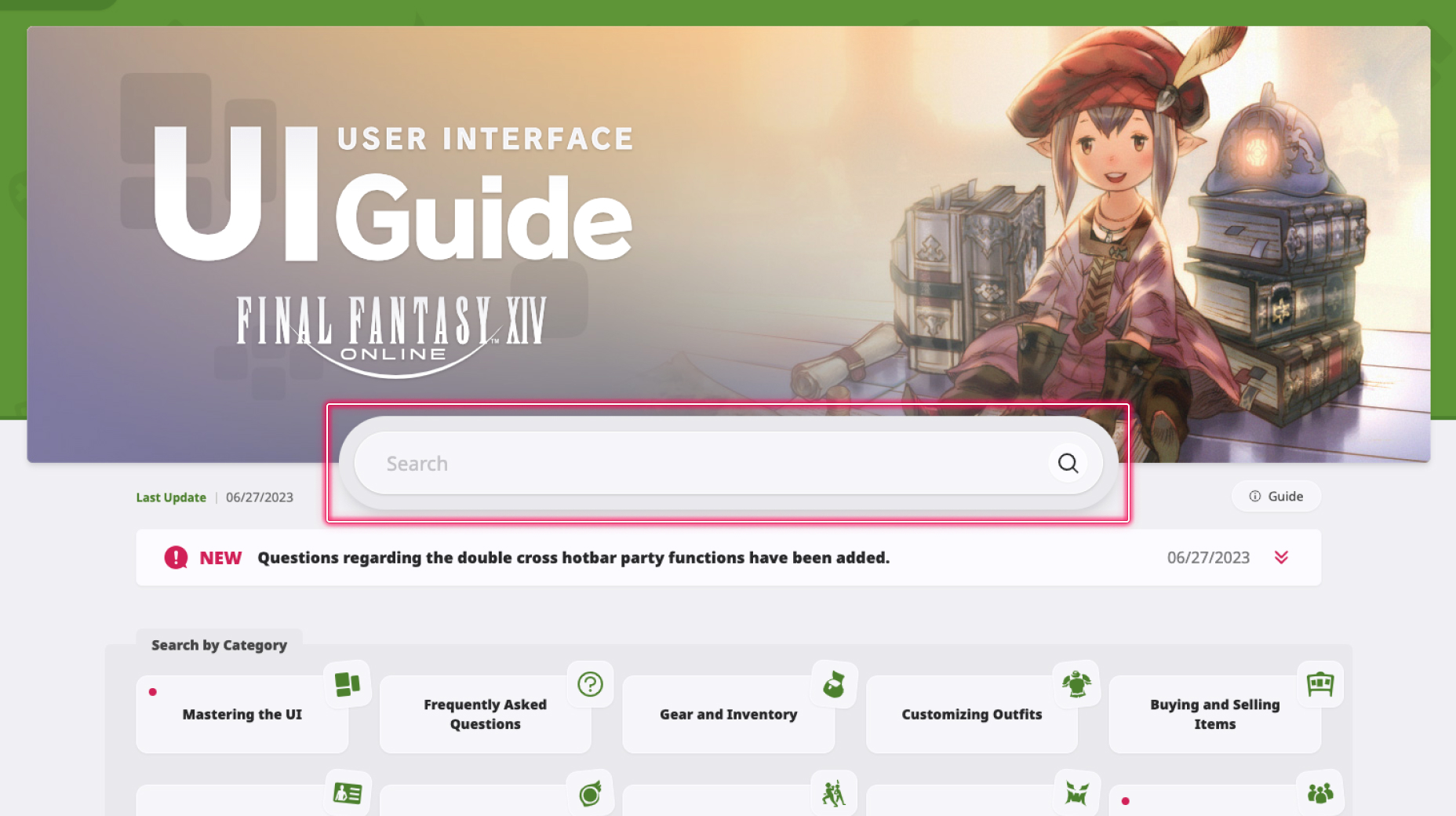
1. Enter a term to search.
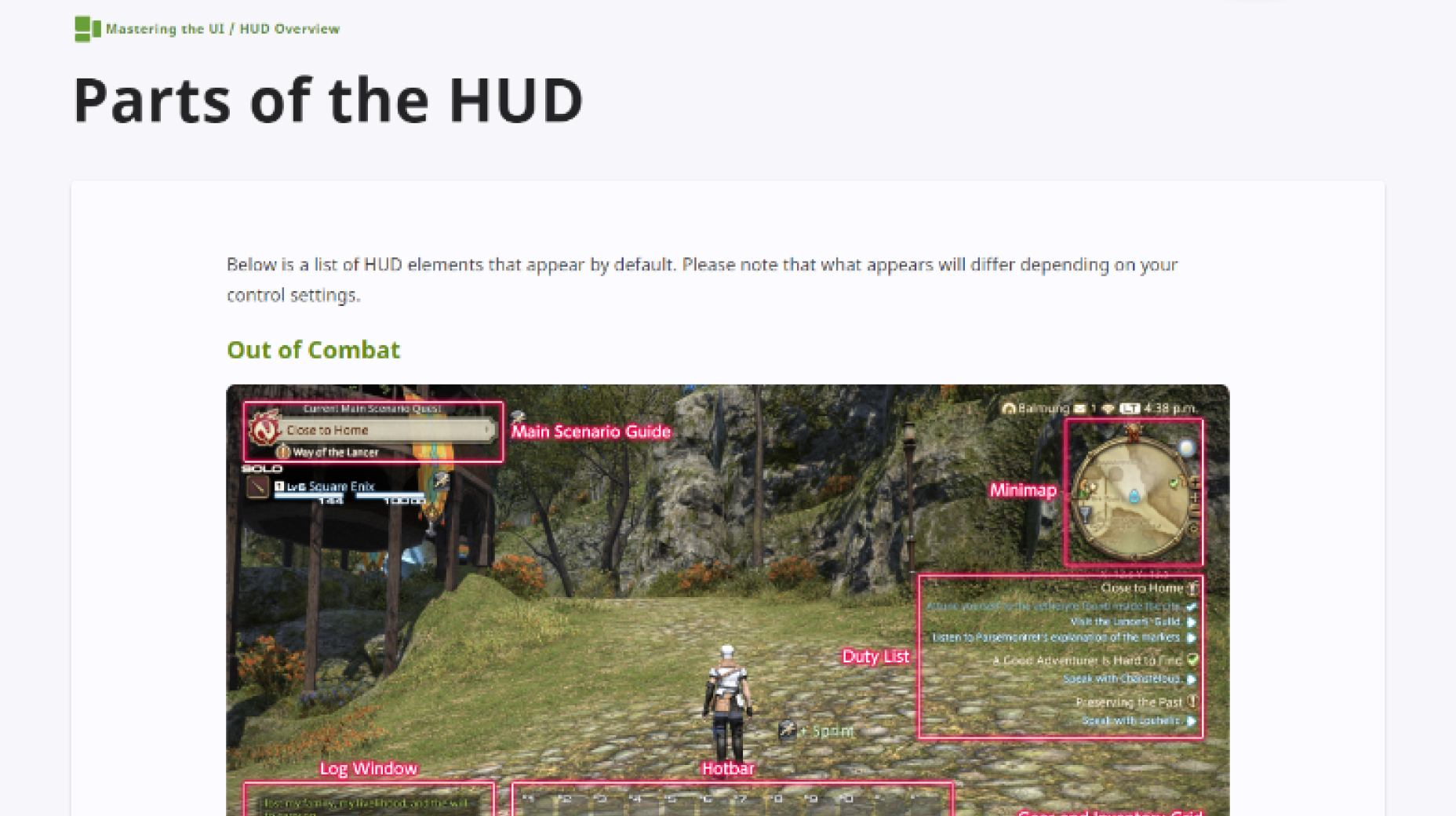
2. Find a topic and review its contents.
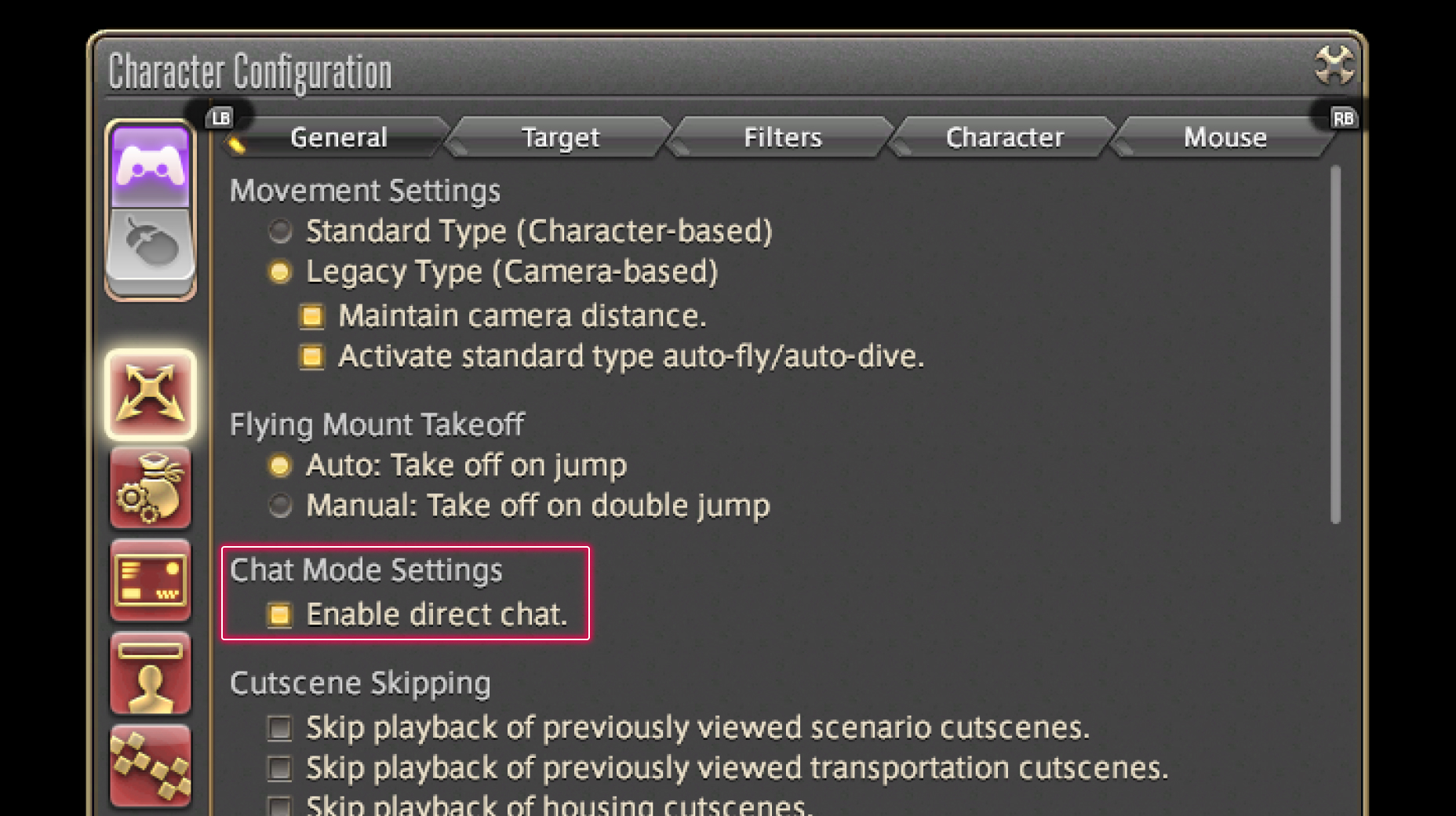
3. Try out what you've learned!
(You can view this screen at any time from the guide icon.)
Frequently Asked Questions / Miscellaneous

From the main menu, select System and open the System Configuration menu, then select the Other Settings tab from the column on the left. Use the Character and Object Quantity pulldown menu located under Display Limits to access your desired setting. Selecting Automatic will adjust the setting based on your play environment.
Please note that this functionality also affects the quantity of objects displayed.
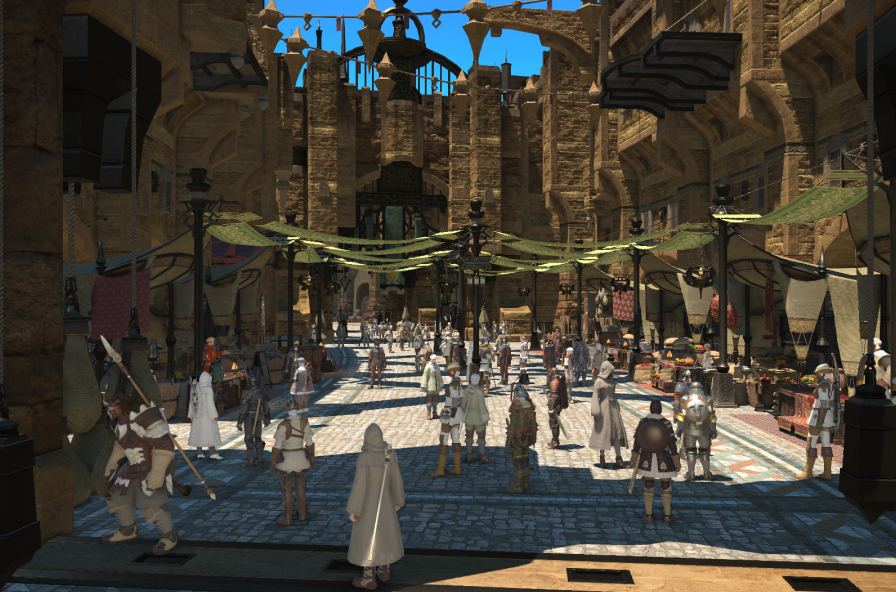 Character and Object Quantity: Maximum
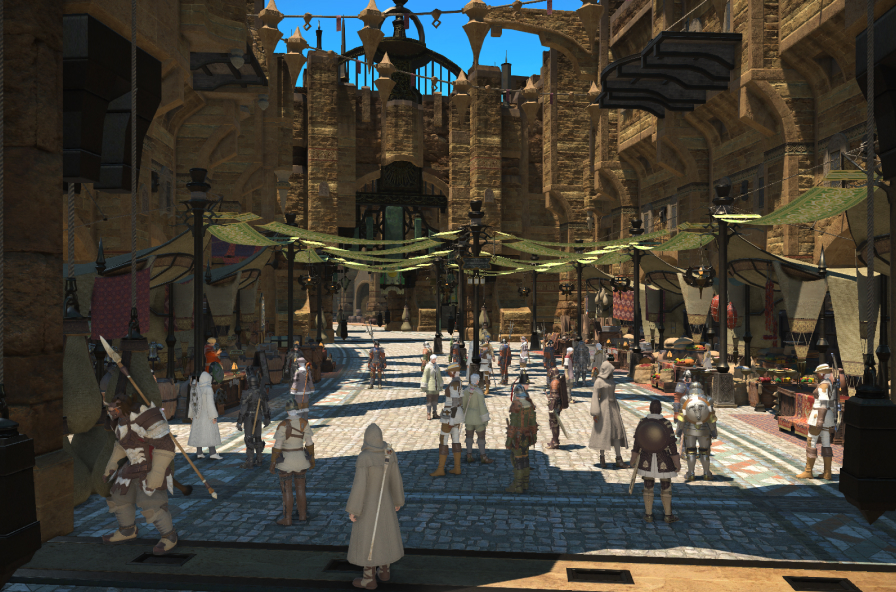 Character and Object Quantity: Normal

From the main menu, select System and open the System Configuration menu, then select the Other Settings tab from the column on the left. Use the Character and Object Quantity pulldown menu located under Display Limits to access your desired setting. Selecting Automatic will adjust the setting based on your play environment.
Please note that this functionality also affects the quantity of objects displayed.
Character and Object Quantity: Maximum
Character and Object Quantity: Normal